


|
Name |
Toji Motion |
|---|---|
|
Category |
Video Players & Editors |
|
Developer |
Toji Motion DEV |
| Last version | 5.0.161.106020 |
|
Updated |
|
|
Compatible with |
Android 6.0+ |
Introduction to Toji Motion APK
Toji Motion APK is a mobile editing app built for motion graphics, animation, and short-form video work. It gives users a way to create moving text, layered edits, visual effects, and stylized clips on a phone or tablet. The overall setup fits people who want fast editing without sitting in front of a full desktop program.
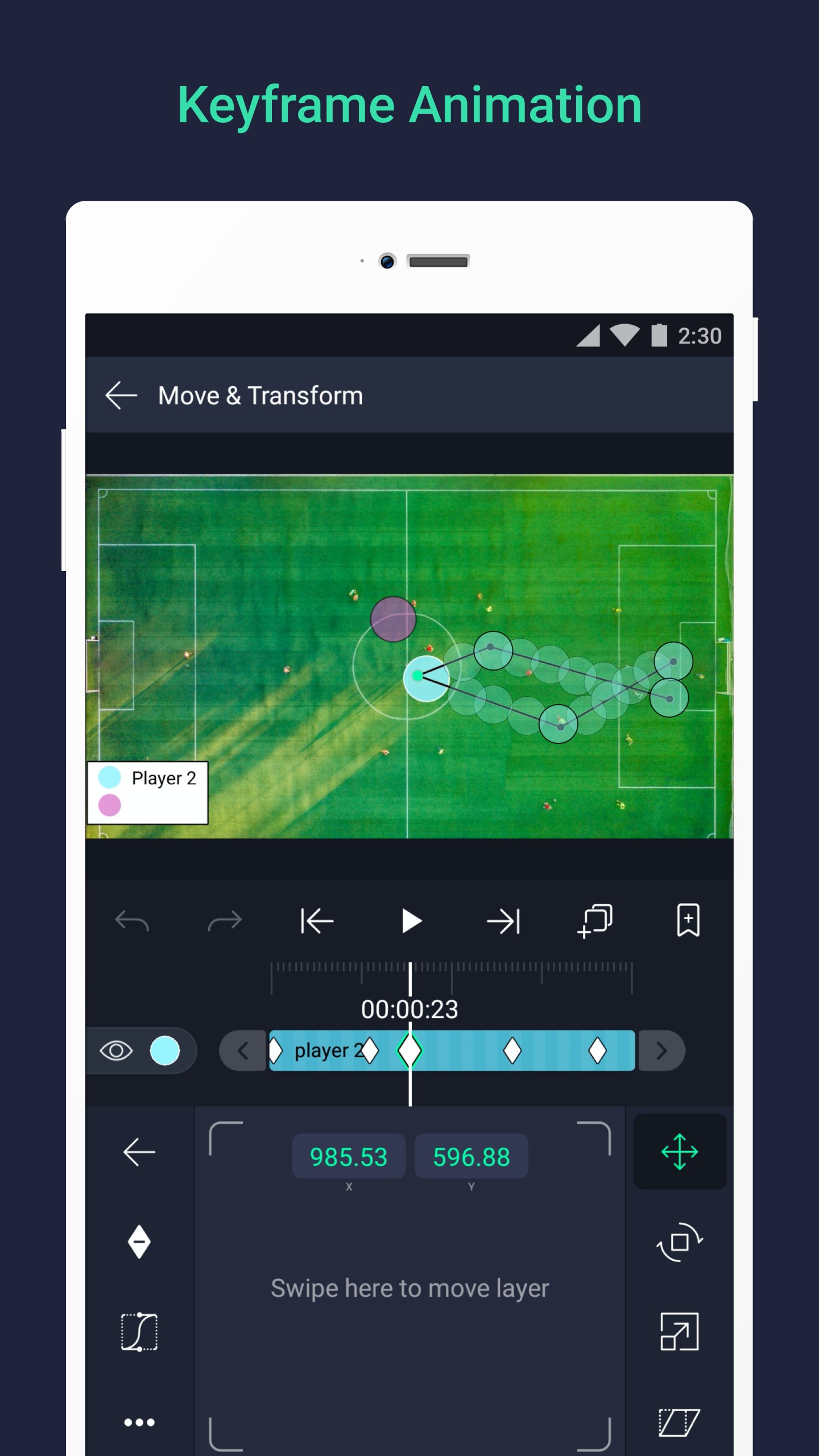
The app is mainly used for making animated videos for social media, fan edits, lyric clips, and other visual projects that need motion and timing. Users can combine video, audio, images, and text in one workspace, then adjust each layer to build a cleaner and more dynamic result. Keyframe tools play a big role here, since they let you control movement, scale, rotation, opacity, and timing with better precision.
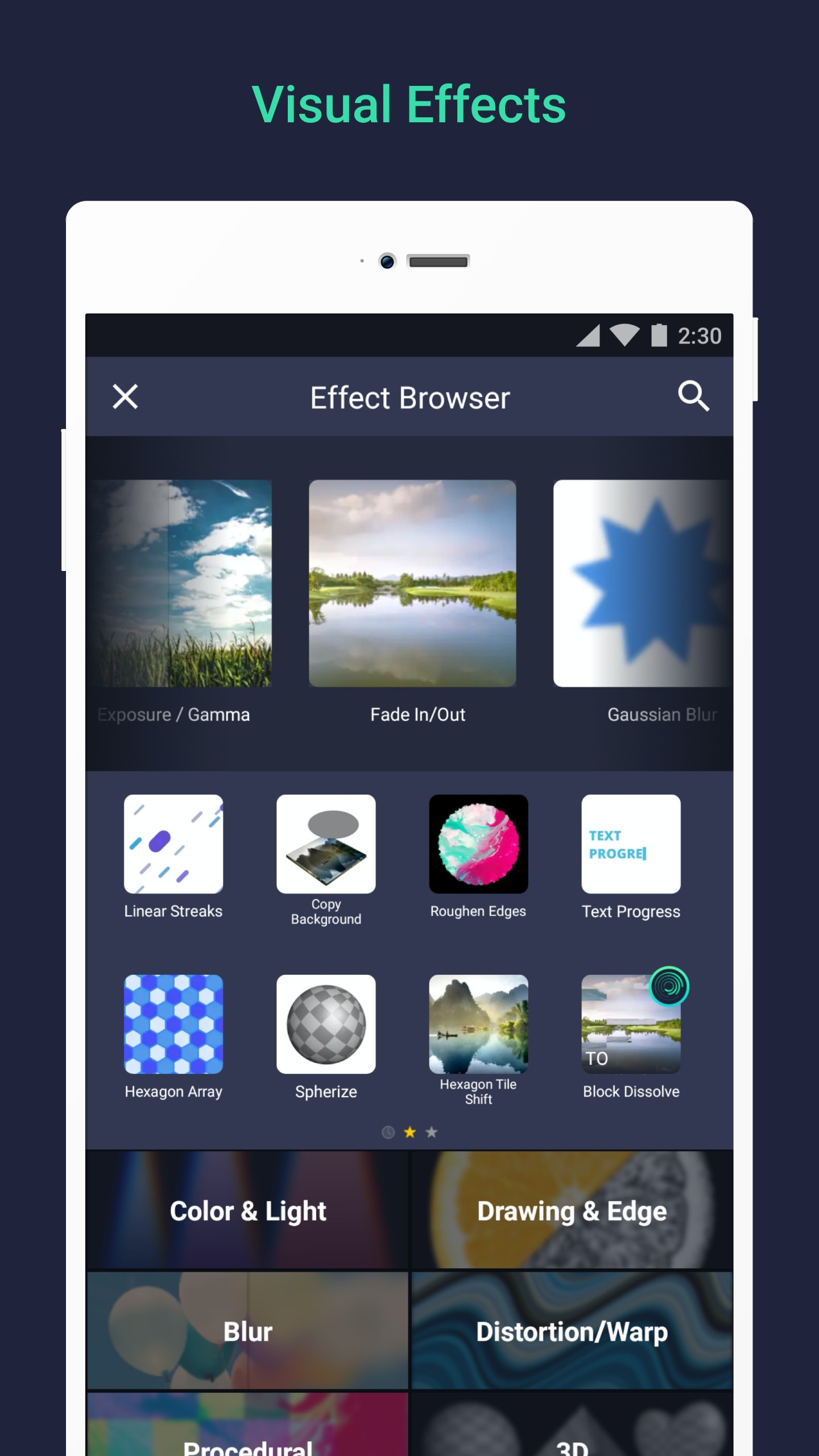
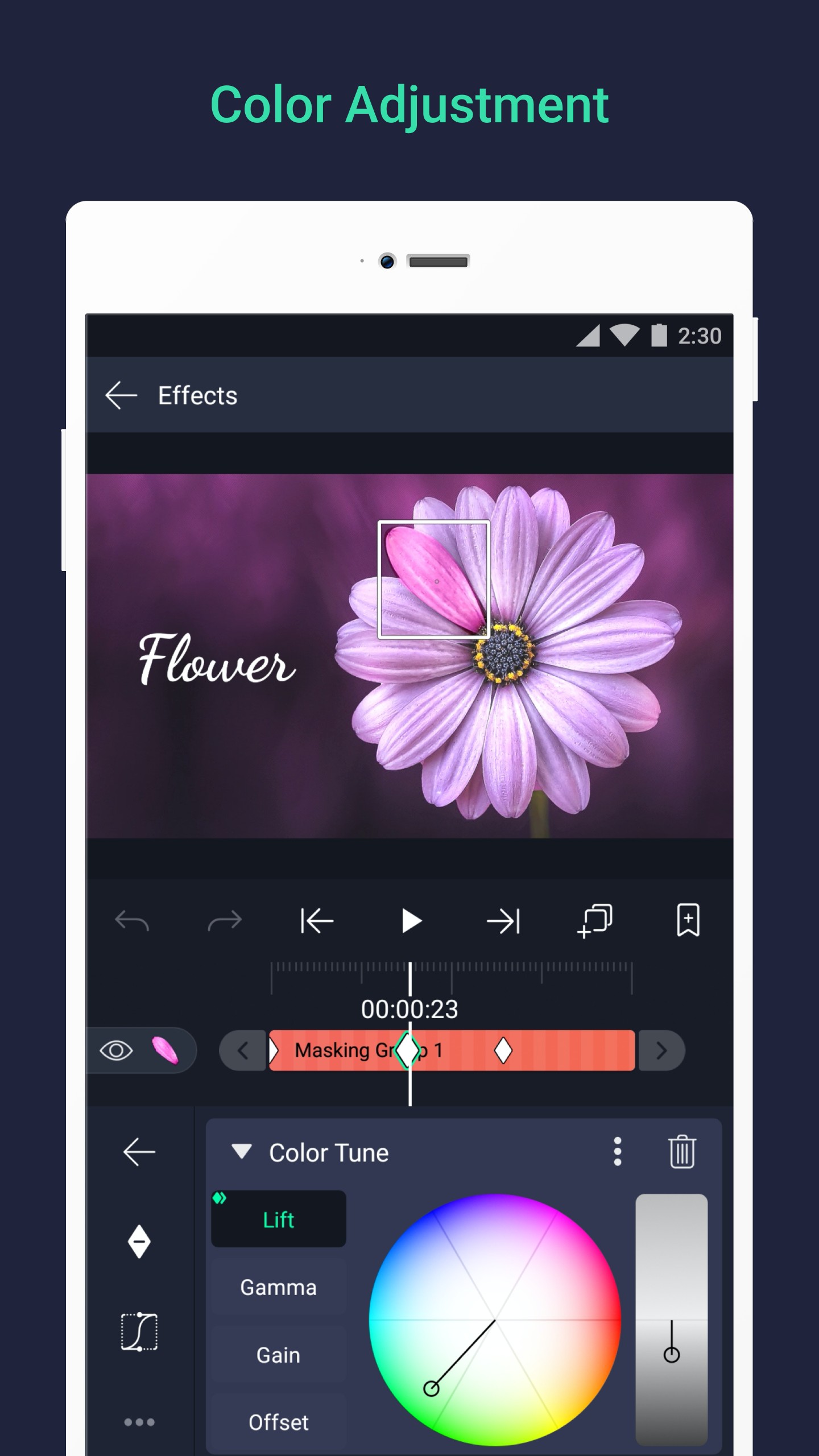
One of the most useful parts of Toji Motion APK is its layered editing system. You can stack graphics, audio, and video, group elements together, apply masks, and build more detailed scenes without making the screen feel like total chaos. Effects, color controls, shadows, strokes, and blur tools also help users shape a stronger visual style. For anyone who likes dramatic transitions and smooth motion, that is where the fun starts.
The app also feels practical for people who edit on mobile every day. Support for vector and bitmap assets gives users more flexibility, and export options such as MP4, GIF, PNG sequences, and still images make sharing simple. Bookmarks and reusable elements can save time during longer projects. If you edit the same style again and again, that convenience matters more than people admit.
Its biggest strengths are flexibility and control on a small device. You can create polished edits without needing a complicated computer setup, and the animation tools are strong enough for both basic and advanced projects. It suits content creators, anime editors, short-video makers, and anyone who wants more than a basic trim-and-cut editor. A patient beginner can learn a lot here, and experienced editors get room to push their ideas further.
There are still a few limits users should know about. The app can feel heavy on weaker phones, especially during effect-heavy projects, and smoother performance usually depends on having enough RAM. Some features may sit behind paid access, and free use can include a watermark. The interface also has a learning curve at first, so new users may spend a little time tapping around like they are solving a tiny puzzle on glass.
FAQs Toji Motion
What is Toji Motion APK used for?
+
Toji Motion APK is used for creating animated videos, motion graphics, text effects, fan edits, lyric videos, and short social media clips on mobile devices.
Which features stand out in Toji Motion APK?
+
The app stands out for layered editing, keyframe animation, visual effects, masking, color adjustment, camera controls, motion blur, and multiple export formats.
Is Toji Motion APK good for beginners?
+
It can work for beginners who want to learn mobile animation, but the interface has a learning curve, so the first few projects may take some patience.
Can Toji Motion APK export videos in different formats?
+
Yes. It can export projects as MP4 videos, GIF animations, PNG sequences, and still images, which makes it useful for different content styles.
Who should use Toji Motion APK?
+
It is a good fit for content creators, short-video editors, anime edit fans, and users who want stronger motion editing tools on a phone or tablet.
Discover More Interesting Apps
-
 Mod
Mod
VivaVideo
v9.36.0
133.78 Mb
Updated -
Capcut 18.1 0
vUnknow
209.47 MB
Updated -
Vlog Editing
v7.15.0
118.26 Mb
Updated -
Mod
PowerDirector
v16.4.0
245.60 Mb
Updated -
Mod
invideo AI
v4.5.11
90.66 Mb
Updated -
Mod
Filmora
v15.4.60
282.52 Mb
Updated -
BroChill
v1.1.91
248.80 Mb
Updated -
Mod
Blink
v5.15
126.69 Mb
Updated -
Flud
v2.0.5
34.94 Mb
Updated -
Mod
KineMaster
v8.1.11.36528.GP
177.22 MB
Updated










Share Your Thoughts